A maintenance step sits open on the screen. It contains three actions in one long sentence. The writer knows the sentence is wrong. The writer does not know which rule applies first.
That moment defines the tool problem. A checker flags length. A rule summary explains structure. A dictionary reference confirms the verb. Each technical writing tool answers a different question.
No single tool covers the full workflow. A triage aid can't settle a disputed term. A reference source can't scan a draft in seconds. An example can't replace the official text.
Tool choice also reflects habit. A technical communication census found that Microsoft Word or Google Docs accounted for 76% of reported authoring use, while help authoring tools accounted for 31%, according to the technical communication technology census summary. Familiar drafting tools stay in place. Specialized tools join them for specific tasks.
The useful question is practical. Where does each tool fit in an STE workflow? What can it check, and what can't it check?
The nine options below separate reference sources from triage aids. Each entry states the job the tool does. Each entry also states the limit the writer must respect.
Table of Contents
- 1. Free STE Checker
- 2. Official ASD-STE100 Specification Issue 9 and PDF Guidance
- 3. Writing Rules Summary
- 4. Before and After Example Pairs
- 5. Controlled Vocabulary Dictionary Reference
- 6. Structured Skill Page with Learning Path and AI Prompt Template
- 7. STE versus Plain English Comparison and FAQ
- 8. Training and Certification Information Pages
- 9. Word Processor Readability Statistics
- How the Nine Tools Compare by Workflow Role and Limits
- Building a Tool Stack That Respects the Official Rules
1. Free STE Checker
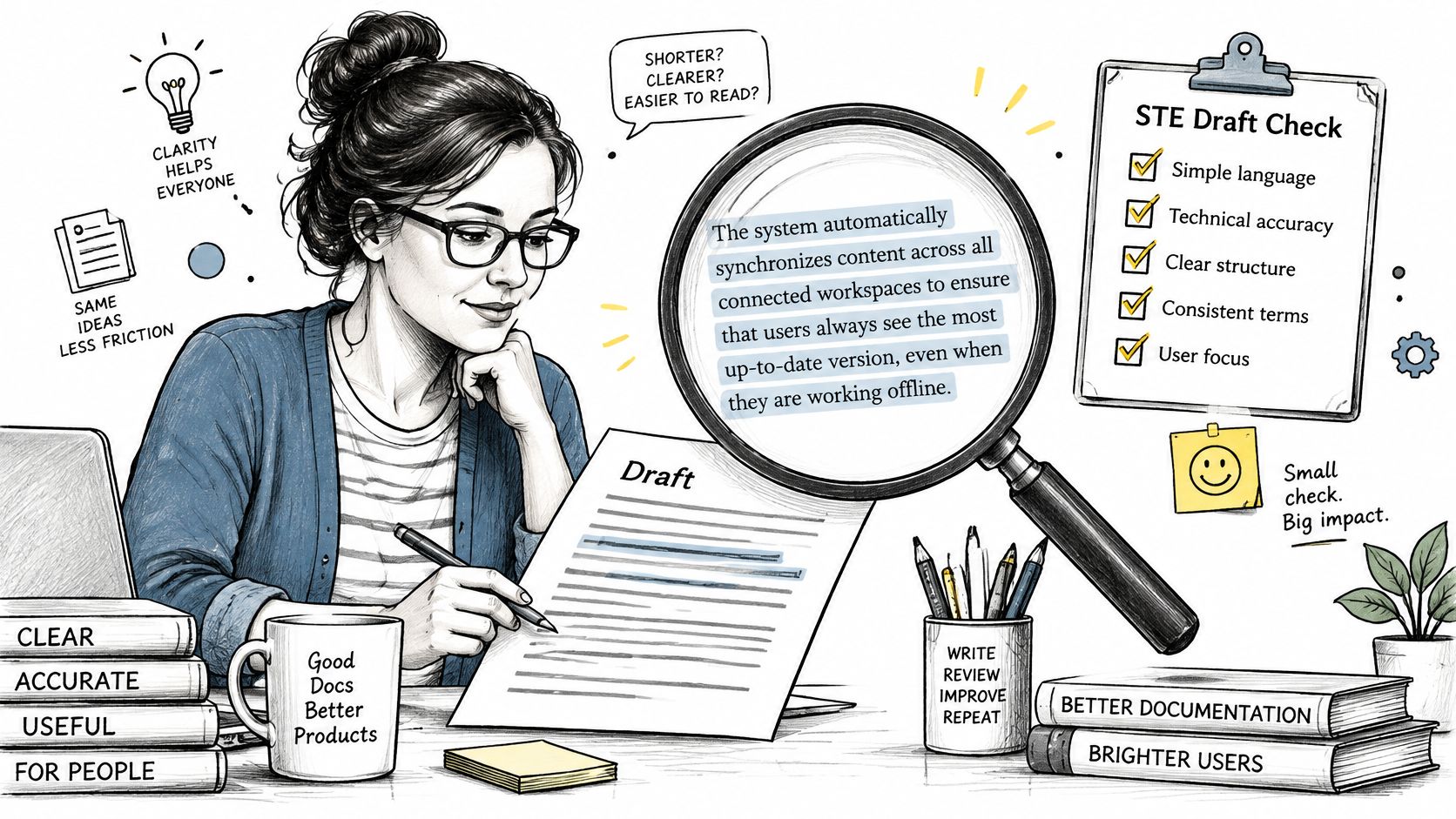
A writer pastes a maintenance step into the checker. The sentence contains three actions. The checker flags the length, and the writer splits it into single action sentences.
The free STE checker serves that triage role. It is a simplified heuristic tool. It scans a draft and flags common rule breaches and vocabulary issues.
That's the correct use. The checker gives a fast first pass before formal review. It points the writer to sentences that need attention.
What the Checker Can't Do
The checker isn't an official conformity assessment tool. It doesn't replace the official specification. A clean result doesn't prove that text conforms to ASD-STE100.
A flag also isn't a final verdict. Heuristic checks can miss problems. They can also flag text that is correct in context.
Practical rule: Treat every flag as a prompt to review, not as proof of an error.
Practical use stays simple:
- Run it before formal review: The writer removes obvious problems first. Reviewers then spend time on meaning and safety.
- Check borderline cases manually: The writer confirms disputed sentences against the official specification.
- Keep the source text: The writer compares the rewrite with the original step. Quantities, conditions, and warnings must not change.
Used this way, the checker saves review time. Used as an authority, it creates false confidence.
2. Official ASD-STE100 Specification Issue 9 and PDF Guidance
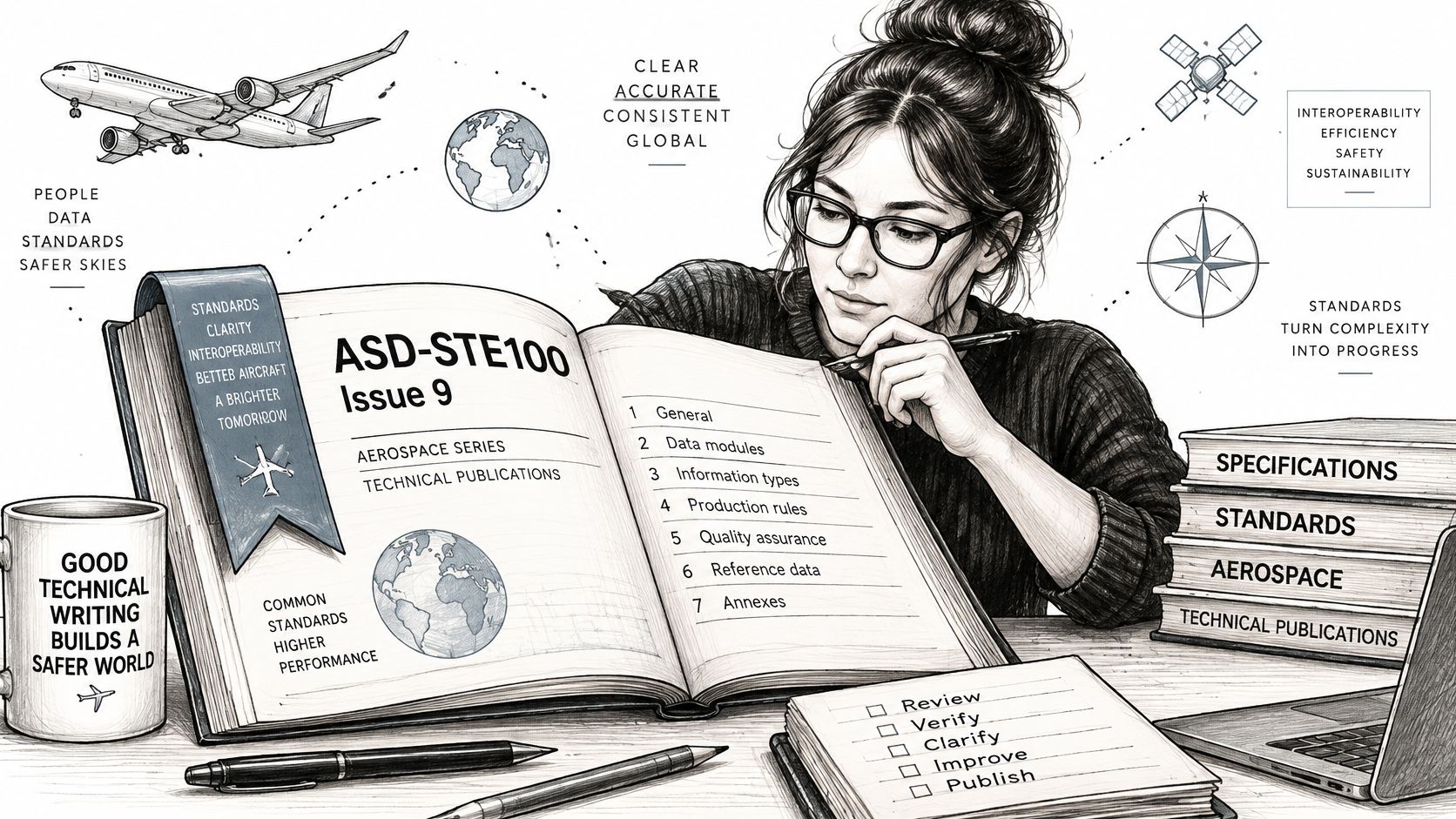
Every other tool in this list points back to one source. The official ASD-STE100 specification is governed by ASD and the Simplified Technical English Maintenance Group. The current reference is Issue 9.
The official ASD-STE100 Issue 9 specification was released on 15 January 2025 and fully replaces earlier issues. Part 1 contains the writing rules. Part 2 contains the dictionary.
That structure matters in disputes. A documentation manager can set one team rule. All reviews cite the official Issue 9 text for disputed sentences.
How Teams Use the Specification
The guidance page for ASD-STE100 PDF access and navigation explains how to obtain the document. The specification itself comes only from the official ASD website at asd-ste100.org. Independent sites don't host it.
Background reading helps new team members start. The overview of STE Simplified Technical English explains the standard in general terms. Exact requirements still come from the official text.
- Download from the official site only: Old copies circulate in project folders. They may show outdated rule wording.
- Bookmark key sections: Teams return most often to the sections on sentence structure and safety instructions.
- Check the issue number: A reviewer confirms the issue before citing any rule in a review.
The specification is slow to use during drafting. It remains the only final reference.
3. Writing Rules Summary
A summary answers a different question. The writer doesn't need the full specification yet. The writer needs the shape of the rules.
The writing rules summary explains the main categories in plain terms. These include approved vocabulary, one meaning per word, and sentence length limits. They also include active voice, one instruction per sentence, and simple tenses.
Each category appears in the guide's own words. The summary doesn't reproduce the official rules. Readers consult the official specification for exact requirements.
A Worked Revision
Before: The operator may need to inspect the seal if leakage is suspected, and then replace it if it is damaged.
After: Inspect the seal. If the seal is damaged, replace the seal.
The rewrite does three things. It uses the active voice. It gives one instruction per sentence. It repeats the noun instead of using an unclear pronoun.
Detail pages support single topics. The notes on punctuation in STE writing help a writer check one category at a time. That pace suits a focused revision pass.
Practical habits keep the summary useful:
- Read the summary first: Then read the matching section in the official specification.
- Apply one category at a time: A writer checks voice across a procedure, then checks sentence length.
- Keep a category checklist: The checklist travels with each review cycle.
The summary teaches the pattern. It doesn't certify any sentence.
4. Before and After Example Pairs
Rules stay abstract until a writer sees them work. An example pair shows one problem and one fix. That contrast teaches faster than a definition.
The ASD-STE100 examples page places complex sentences next to STE style rewrites. The pairs cover procedure steps and warnings. Each pair isolates a single change.
One Pair in Practice
Before: Make sure the valve is closed before you start the removal, which can prevent fluid leaks.
After: Close the valve. Do the removal. Fluid leaks can occur if the valve is open.
The rewrite separates the instruction from the reason. Each action gets its own sentence. The consequence stands alone where a reader can't miss it.
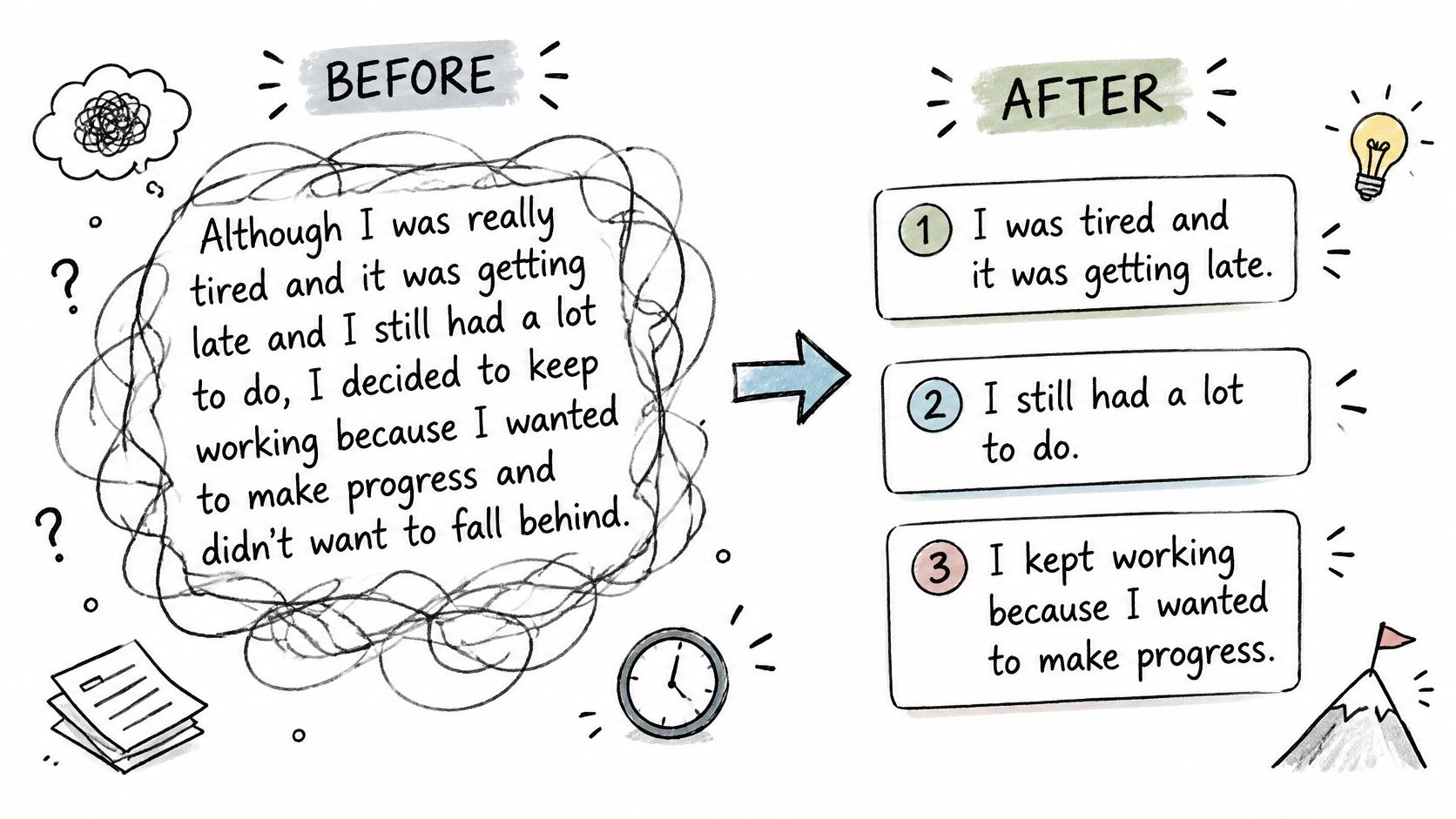
Further reading on Simplified Technical English examples extends the same method. Writers compare their own rewrite with a model pair. They note where the two versions differ.
- Rewrite a real procedure: A team takes one page from its own manual. Writers apply the example patterns line by line.
- Build a shared library: Common warnings appear often in service documentation. Approved team examples keep those warnings consistent.
Examples show the target style. They don't settle dictionary questions, and they don't replace review.
5. Controlled Vocabulary Dictionary Reference
Vocabulary control sits at the center of STE. The standard limits the words a writer may use. Each approved word carries one defined meaning.
The ASD-STE100 dictionary reference explains how that system works. It describes the concept in its own words. It doesn't reproduce the official dictionary.
Scale helps writers plan the work. The ASD-STE100 standard overview describes a standard with a set of writing rules and a controlled vocabulary of approved words. Check the official text for the exact counts. One word normally maps to one meaning and one part of speech.
A Vocabulary Check in Practice
Before: Remove the cover and take out the gasket.
After: Remove the cover. Remove the gasket.
The writer then confirms each verb form against the official dictionary. Two synonyms for one action create translation risk. One approved verb removes that risk.
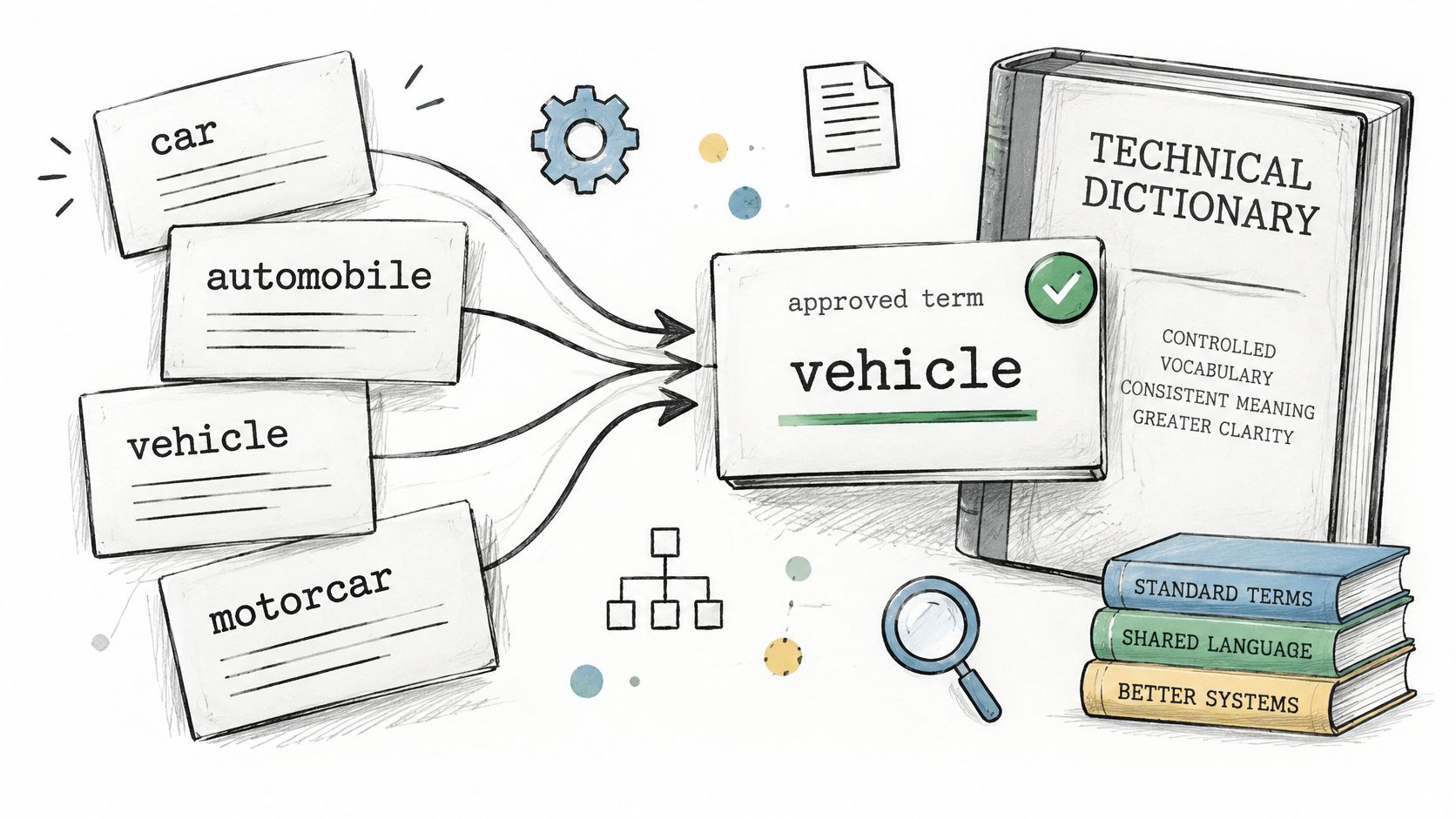
Technical names need separate handling. Product and industry terms may fall outside the general vocabulary. Teams record those decisions and apply them consistently.
- Check every content word before release: Slow checks at release cost less than corrections after translation.
- Maintain a team glossary: Each entry links the team term to its official basis or recorded decision.
6. Structured Skill Page with Learning Path and AI Prompt Template
Scattered reading rarely builds skill. A new writer reads a rule today and forgets it next week. Practice in a fixed sequence works better.
The skill page offers a structured learning path for ASD-STE100. It includes practice exercises by rule category. It also includes an AI prompt template for rewrite practice.
A typical use case is onboarding. A new technical writer completes the path over several weeks. The writer then reviews a real procedure with a peer reviewer.
Using AI Without Losing Control
AI output needs strict handling in controlled language work. A 2025 survey summarized in the Journal of Artificial Intelligence and Technology study found that 50% of respondents reported difficulty with AI misinterpreting or misusing technical jargon. Fluent text can still be noncompliant text.
The prompt template limits that risk. It asks for one action per sentence. It forbids invented steps and changed quantities.
An AI rewrite is a draft for review. It is never evidence that a sentence follows the standard.
Safe practice follows three habits:
- Complete one exercise set per category: The writer masters active voice before moving to warnings.
- Review AI rewrites line by line: Each line gets checked against the official rules and dictionary.
- Repeat exercises later: A second pass after several weeks shows what the writer has retained.
7. STE versus Plain English Comparison and FAQ
Not every document needs a controlled language. A consumer user guide and a safety critical maintenance procedure carry different risks. The style choice should reflect that difference.
The comparison explains the scope, use cases, and limits of each approach. Plain English improves general clarity. STE adds a fixed vocabulary and strict sentence rules for technical procedures.
A common pattern shows the split. A software team uses Plain English for user guides. The same team uses STE principles for hardware procedures with safety steps.
Why the Distinction Matters
Audience need drives the choice. The 2024 Stack Overflow Developer Survey found that API and SDK documentation was the documentation source of choice for 90% of respondents. Reference content for developers follows different conventions than maintenance instructions for technicians.
The FAQ section answers recurring scope questions in neutral terms. It helps managers avoid two errors. One error applies STE where it adds cost without benefit. The other drops controls where safety or translation demands them.
Practical decisions stay documented:
- Decide style per document type: The project records the choice at project start, not at review.
- Record the choice in the style guide: New writers follow the record instead of personal preference.
- Revisit on requirement change: A stricter customer requirement can move a document into STE scope.
8. Training and Certification Information Pages
Training pages answer a planning question. A manager must build team skill. The manager needs to know what pathways exist.
The information pages describe how learners can gain STE skills. They don't sell courses or credentials. STE Guide isn't an official certification body and doesn't claim official certification.
That boundary protects buyers. A documentation manager compares internal training with an external provider. The manager asks the provider to confirm its status before enrolling staff.
Questions to Ask Any Provider
Credential claims vary in the training market. Verification rests with the buyer. The issuing organization confirms the meaning of a certificate.
- Ask which official source the content follows: The answer should name the current official specification.
- Confirm the issue used in training: Course material based on an old issue teaches outdated wording.
- Check practice content: Exercises on real procedures transfer better than slide based instruction alone.
Workforce scale adds context for planning. The U.S. Bureau of Labor Statistics profile for technical writers reported approximately 46,400 technical writer jobs in 2025. Training demand extends well beyond one industry.
Formal training works best with practice. Teams pair courses with reviewed work on live documents. Skill grows through corrected drafts, not attendance alone.
9. Word Processor Readability Statistics
Most drafting still happens in a word processor. That tool already contains a basic complexity signal. Writers often leave the feature switched off.
Microsoft Word reports readability statistics such as the Flesch Reading Ease score. It also reports the Flesch-Kincaid Grade Level. These measures estimate text complexity from sentence length and word length.
Use patterns explain the reach of this option. The JetBrains Developer Ecosystem 2021 documentation survey found that office applications were used by 27% of documentation authors. A built in score meets writers where they already work.
The Limit of a Readability Score
The score doesn't check STE rules. It can't detect an unapproved verb. It can't confirm one meaning per word.
A typical sequence shows the gap. A writer checks a procedure in Word and sees a poor score. The writer shortens sentences, then runs the STE checker to find vocabulary issues the score can't measure.
- Enable readability statistics in proofing settings: The score appears after a spelling and grammar check.
- Treat the score as one signal: It is not a pass or fail result for controlled language.
- Pair the check with STE tools: The checker and the official dictionary cover what the score misses.
As technical writing tools go, this one is the weakest for STE. It remains useful as an early warning during drafting.
How the Nine Tools Compare by Workflow Role and Limits
Each tool contributes a different kind of evidence to an STE review. The cost and likely reviewer help clarify where each fits.
| Item | Typical cost | Typical reviewer |
|---|---|---|
| Free STE Checker | Free | Writer or editor doing an initial scan |
| Official ASD-STE100 Specification (Issue 9) and PDF Guidance | Free PDF from ASD | Technical writer or reviewer resolving a rule question |
| Writing Rules Summary | Free | Learner or writer revising a draft |
| Before and After Example Pairs | Free | Writer, trainer, or reviewer discussing a sentence |
| Controlled Vocabulary Dictionary Reference | Free | Writer or terminology reviewer checking word choice |
| Structured Skill Page with Learning Path and AI Prompt Template | Free | Individual learner or team trainer |
| STE versus Plain English Comparison and FAQ | Free | Team lead or writer choosing a style |
| Training and Certification Information Pages | Free information | Learner or training coordinator |
| Word Processor Readability Statistics | Included in some word processors | Writer checking general text complexity |
The specification is long, with rules distributed across Parts 1 and 2. Its PDF is available from ASD. The checker, summaries, examples, and learning materials can help identify questions or build understanding, but they do not replace the official text when a rule is disputed.
Building a Tool Stack That Respects the Official Rules
Team decisions need a record that writers and reviewers can apply consistently. For each ruling, note the term or issue, the decision, its reason, and the date.
For example, if a product name is not covered by the controlled vocabulary, record it as a product term and state how the team will use it in its documents. That keeps the term consistent without treating the team's choice as an official STE rule.
Decisions the Team Must Record
- Uncovered terms: Write down the team's decision and its reason.
- Style scope: Record whether STE or Plain English governs each document type.
- Specification issue: Identify the issue used for review so teams can distinguish current guidance from older material.
Keep the record easy to consult during writing and review. A single writer may need only a short list of decisions. A larger team may need shared records so different writers apply the same rulings.
STE Guide is an independent educational website with free STE explanations, original examples, a heuristic checker, and a learning path. Its main pages were last reviewed in October 2026 and are based on ASD-STE100 Issue 9. The site's content is for general education, does not replace the official specification, and is not an official ASD resource. Visit STE Guide to use the checker and read the rule summaries.